HOME Timecode Generator - Advanced parameter control
The same parameters can be accessed (over NATs) via the HOME API. This supports integration with external broadcast control systems such as Lawo's VSM.
It should be noted that the available menus and controls may change, depending on the app's configuration. In addition, some controls only become available once the app is running; these appear at the bottom of the parameter tree and host the app's runtime controls.
The latest settings are saved (by HOME) whenever a change is made. If a restart is required, then this is noted in the documentation.
Operating Principles
You can search for a specific parameter by typing into the "Search Parameters" field (at the top of the tree).
Parameter Tree
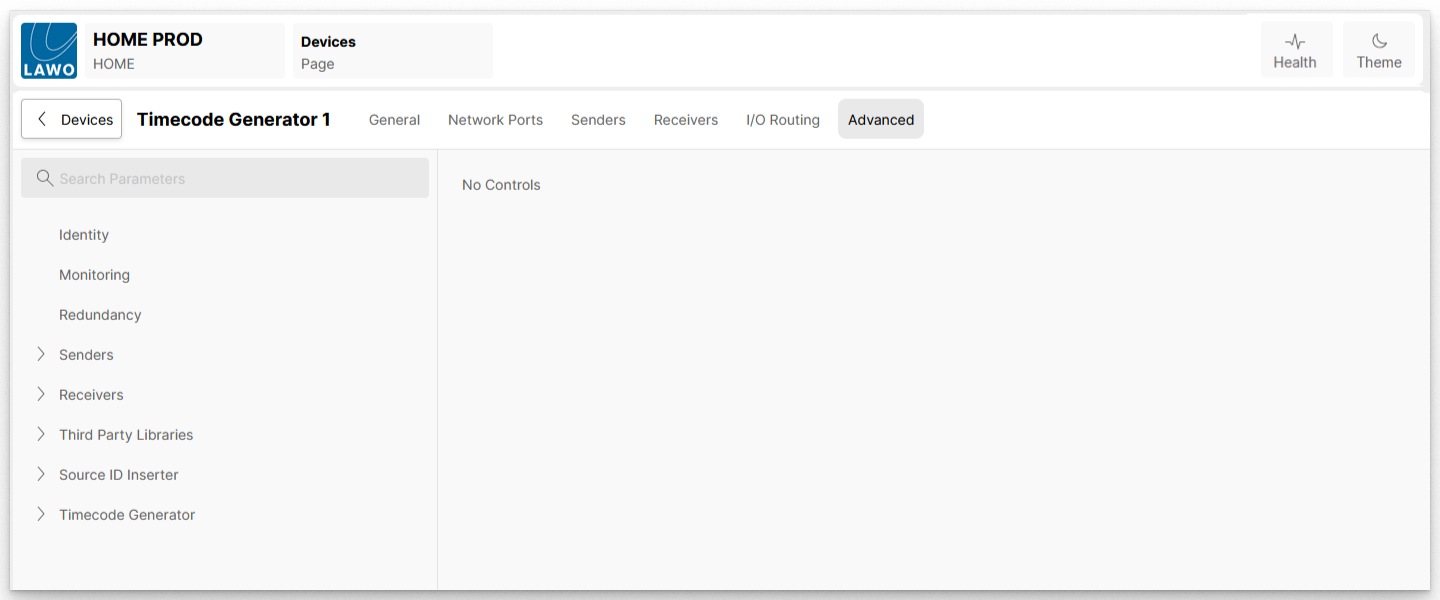
The rest of this section describes all possible controls in the HOME Timecode Generator Advanced menu tree: