The Advanced → Receivers menu provides information and configuration controls for the app's media network receivers.
There is a main page (with no controls), plus a sub-page for each available receiver.
For a HOME Timecode Generator, there can be up to one input receiver:
- RX 1 = Timecode Generator Input
Please note: Whether the input receiver is configured or not is dependent on the Input Meta Transport option in the app configuration.
This topic describes the Advanced menu controls on the main and RX 1 sub-page.
Receivers
There are no global controls on the 'Receivers' main page.
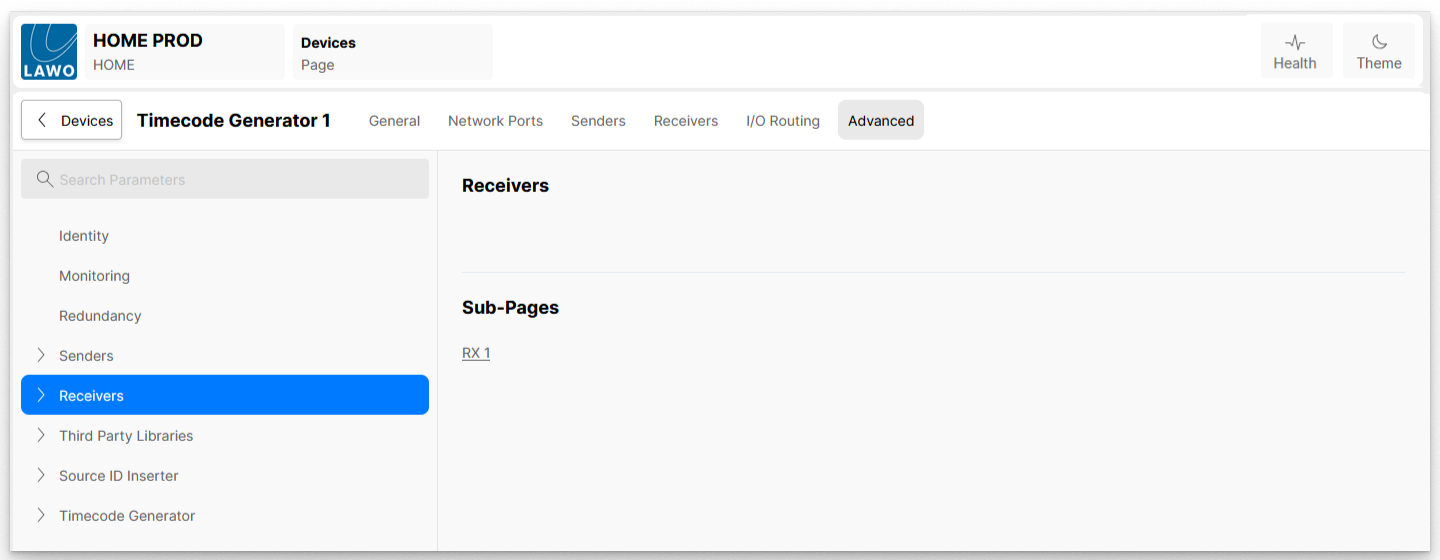
The RX 1 sub-page provides access to the input receiver's controls.
Receivers → RX n
The 'RX 1' sub-menu can be used to view and adjust settings for the app's input receiver:
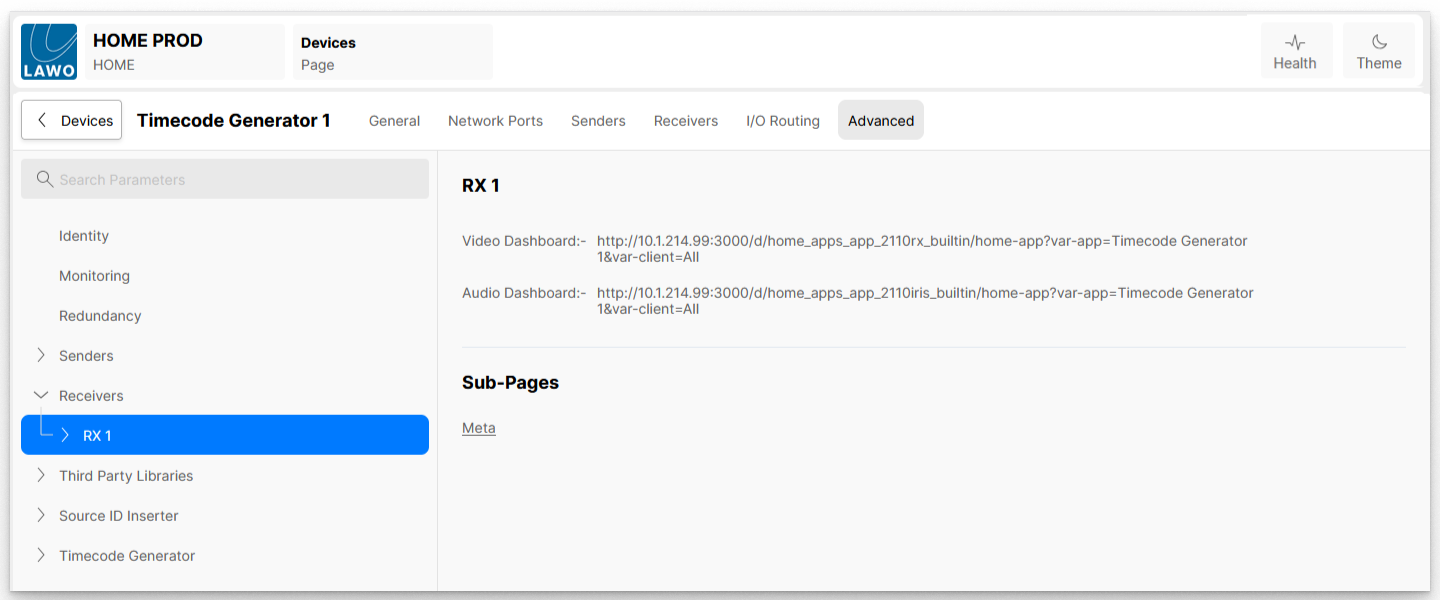
The page contains links to predefined Grafana Dashboards that can be used for monitoring purposes, plus a number of further sub-pages.
SDP Information (of Connected Source)
Selecting the Meta sub-page reveals the SDP file associated with the source routed to the Metadata receiver. The user is able to modify the SDP file, or replace it with the SDP file from another device's sender (via a copy and paste). This provides an alternative method of routing signals, known as SDP Patching.
The SDP file information is also available to automation systems, such as VSM, via the HOME API.
In the example shown below, the Meta receiver is connected from another HOME TCG. However, if the receiver is not connected, then there is no SDP file to display and the sub-menu is empty.
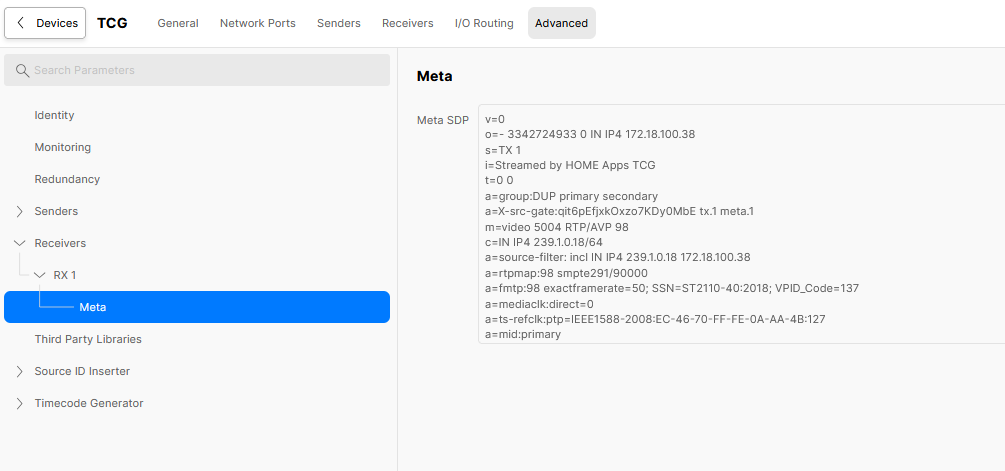
Note that the same SDP data can be accessed from the app's 'Receivers' page (as described in HOME Apps - SDP Data).