Although HP servers are no longer our preferred computing platform, we recognise that they are still in use in many broadcast installations. HP hardware support is not offered by LAWO but will be delivered directly by the server manufacturer.
The following article provides guidance on how to obtain support from HP in the event of hardware issues. HP will be able to assist you directly with any service or warranty needs.
- To request hardware support, submit cases, check warranty, transfer ownership, or access documentation, HPE requires you to have an account on the HPE Support Center here: https://support.hpe.com/connect/s/?language=en_US
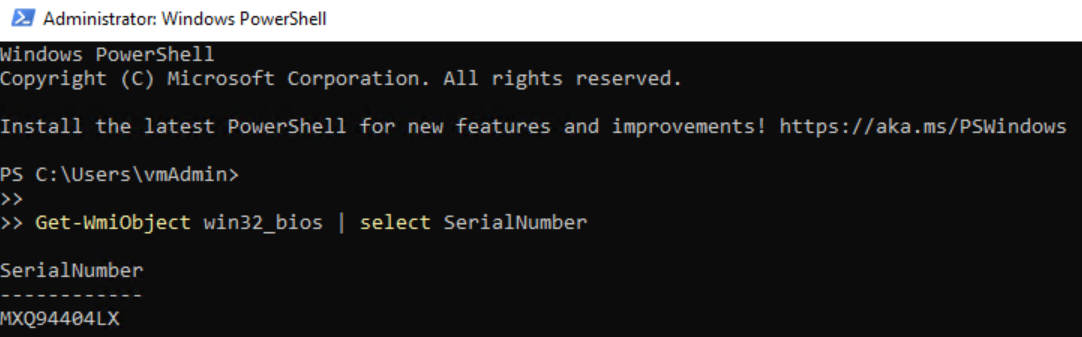
- Once your account has been created, you will also need the serial number of the hardware for which you require support. The serial number can be found on the front or rear of the chassis. It can also be found through the BIOS, PowerShell, Command Prompt or via the iLO interface. Further details about this can be found here. An example of a serial number is shown below.
Now there are two possibilities:
A: Servers purchased via Lawo
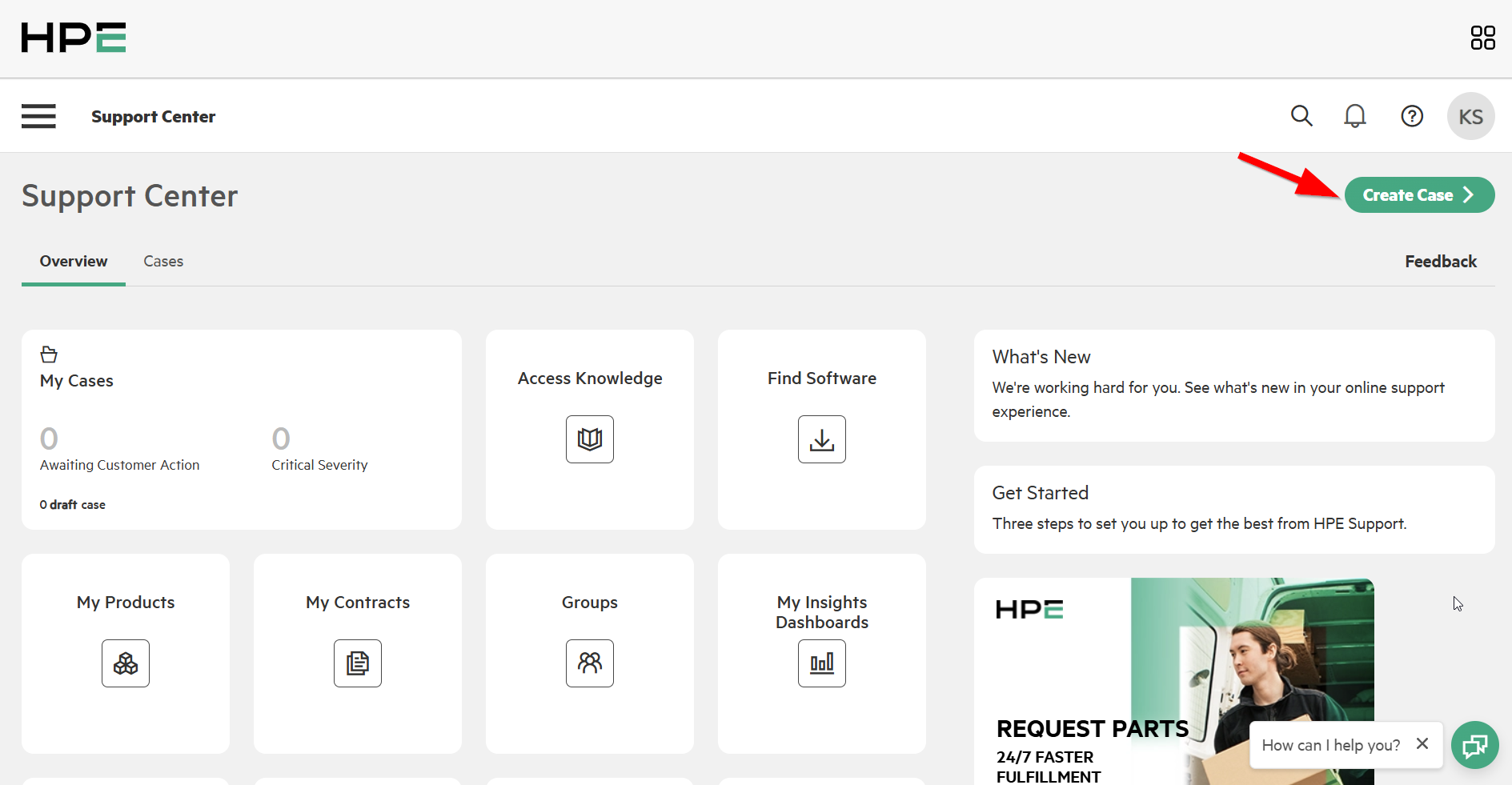
Typically, HPE provides a two‑year warranty with the purchase of the hardware. To receive support, a transfer of ownership is compulsory. If you have already completed the transfer, no further action is needed. If not, please create a case in the HPE Support Center as shown below. Once transfer of ownership is complete, you can request hardware parts or request any other related support through HPE Support Center.
B: Servers NOT purchased via Lawo
In this case, no transfer of ownership is needed. You can directly request hardware support from HPE Support Center after having an HPE account and serial number of the Server.
HPE regional support contacts
For specific regions and countries, HPE also provide phone contacts. This can be found in below document.
HPE Support regional contacts list: https://www.hpe.com/psnow/doc/a00039121enw.pdf