In order to unlock some functions, you must first select an entry in the table. For example, to Quarantine or Reboot a device (in the 'Devices' page).
Each row can be selected (or deselected) by clicking on the box in the first column. Selected rows are highlighted in blue, with a blue tick in the box.
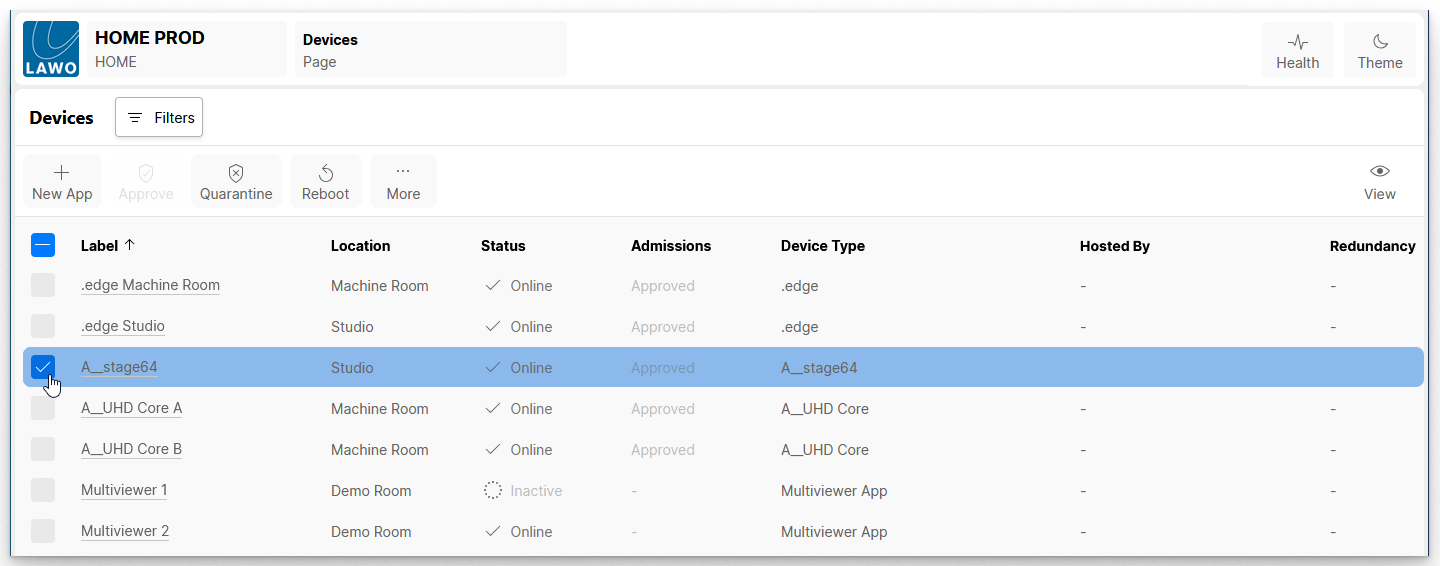
You can select more than one row by ticking several boxes.
To select (or deselect) all rows, click on the 'Select All' tick box in the header row. This allows you to work in reverse by selecting all devices and then editing the selections.