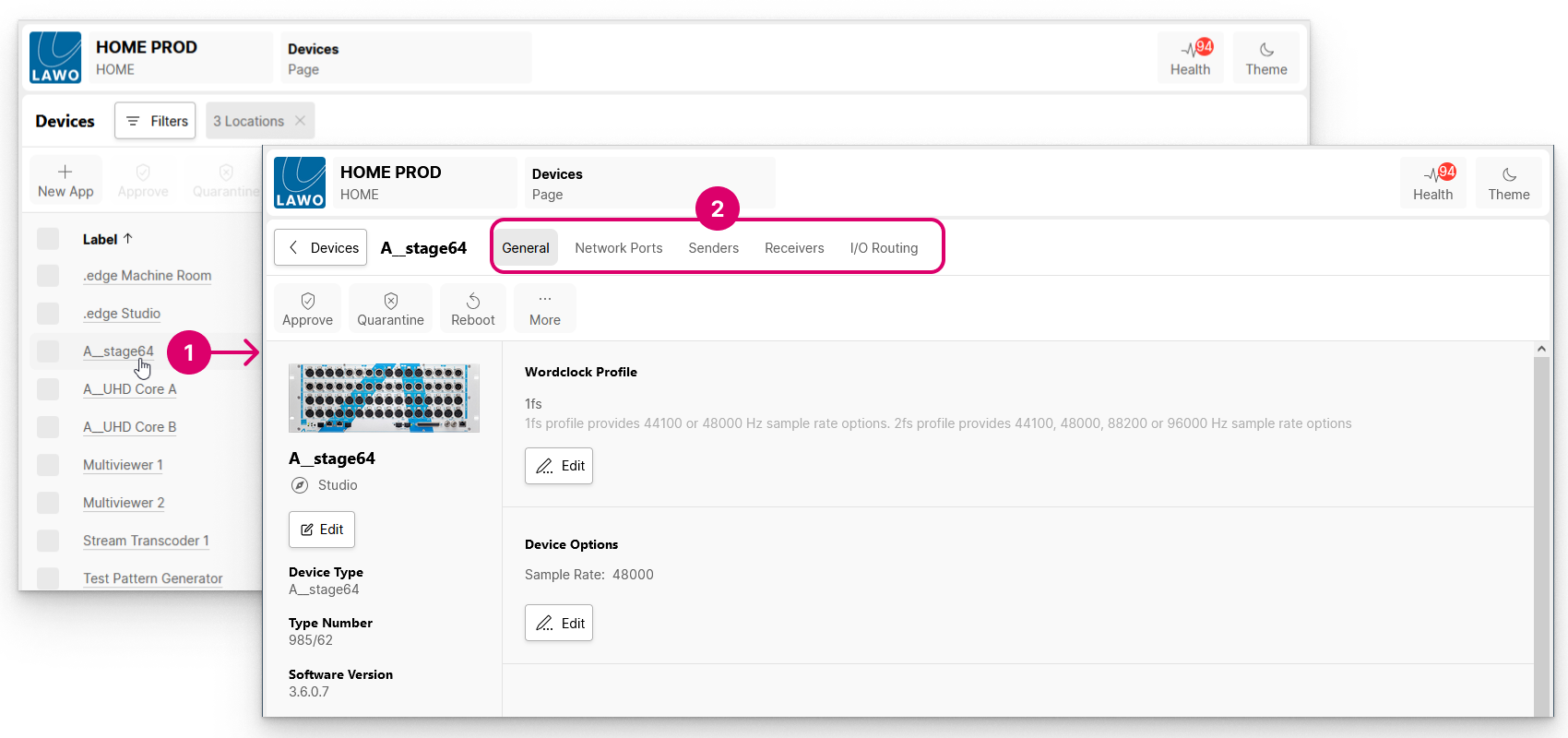
The settings for an individual device can be accessed from the 'Devices' list by clicking on the device label (1) and choosing a menu tab (2).
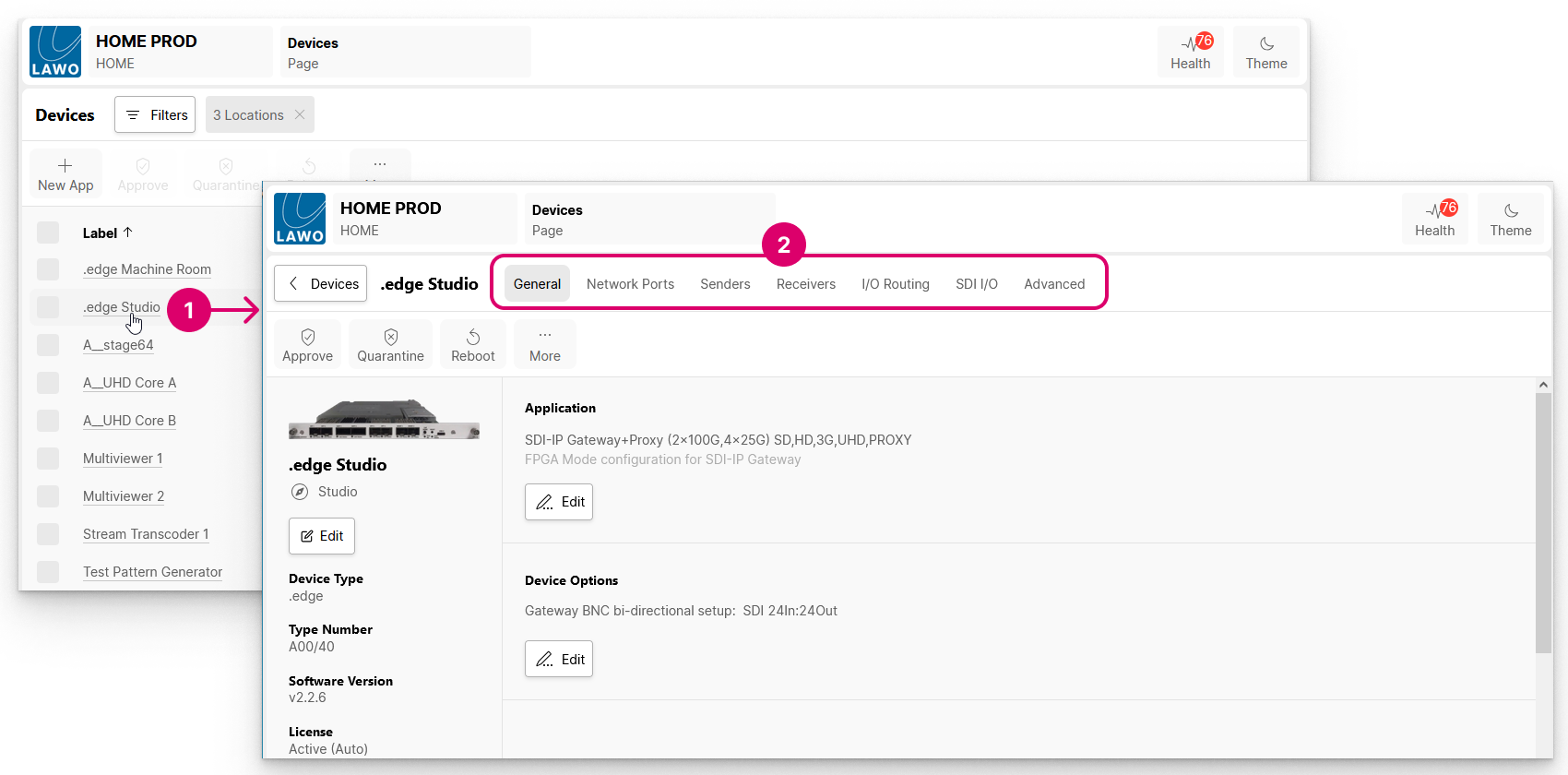
The available pages, and their settings, vary depending on the device type. For HOME-native devices, you can check and edit a variety of device-specific parameters such as the label and location, initial configuration, IP settings, senders and receivers, and so on.
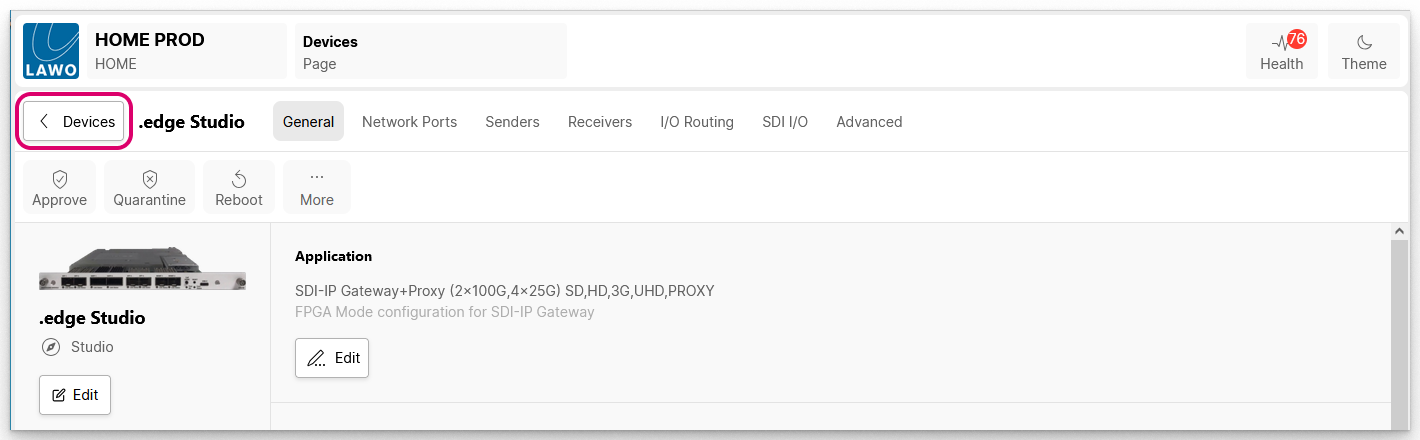
To return to the main 'Devices' list, click on the < Devices button (to the left of the device label).
Repeat the steps above to access another device.
Note that the same procedure applies to any device, app or service that is managed by HOME. For example, to view and edit the configuration of an individual app.
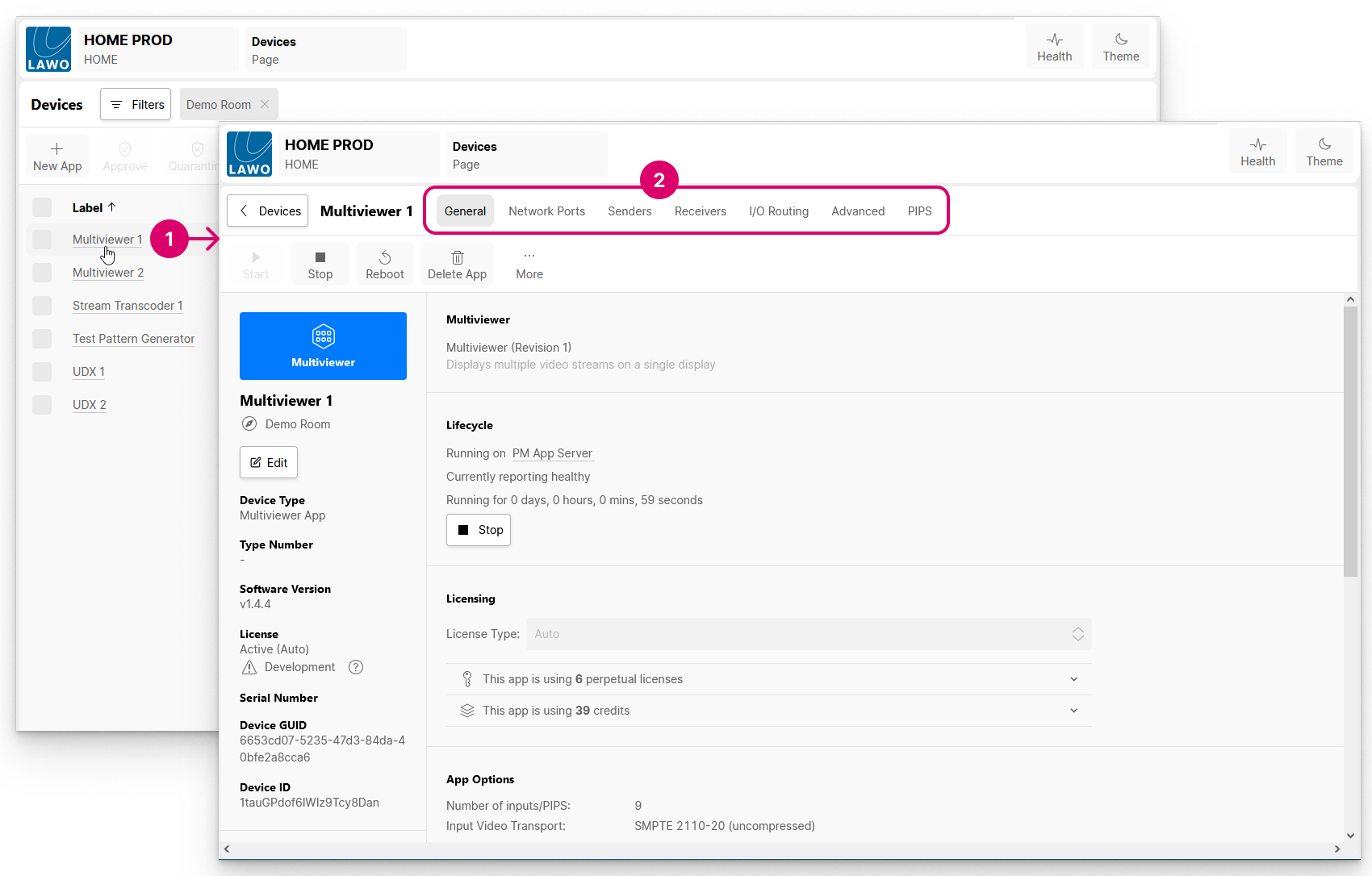
The available pages/menu tabs (2) are described in the next topic.