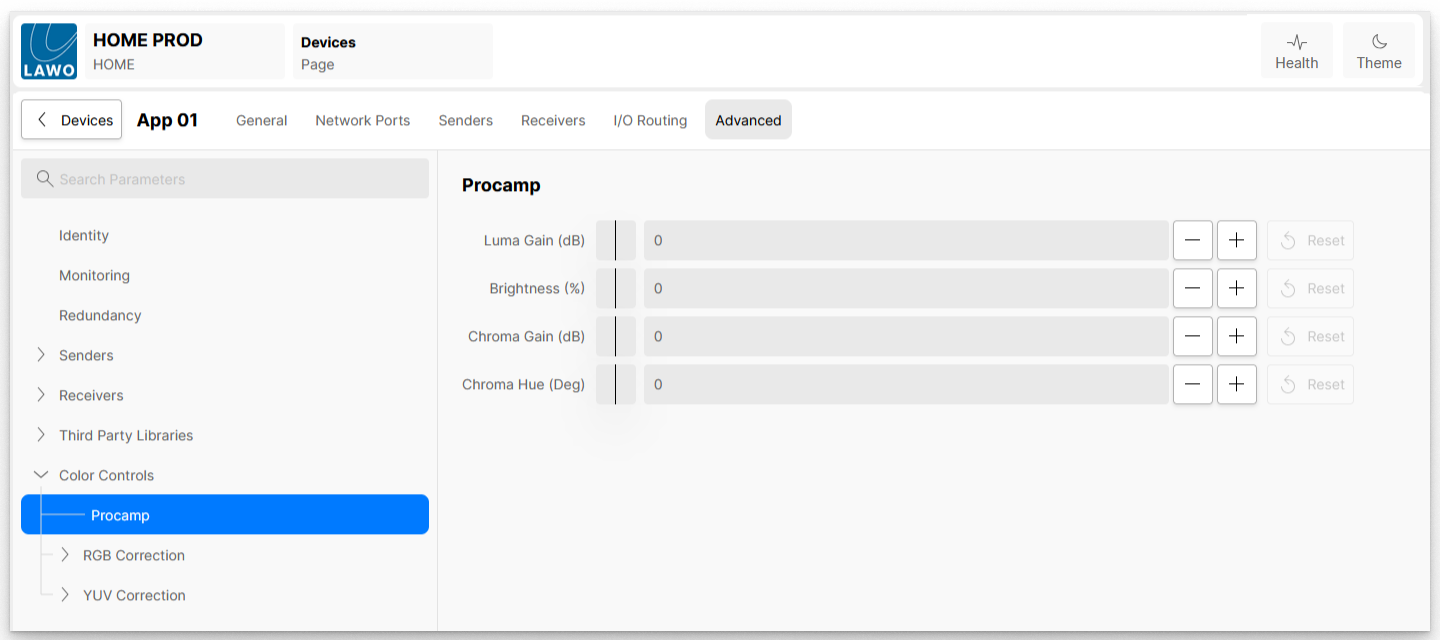
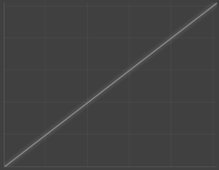
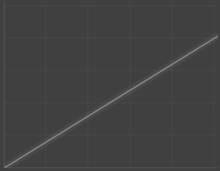
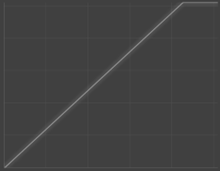
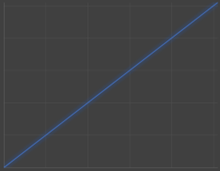
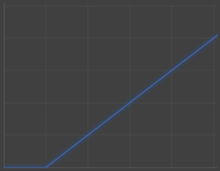
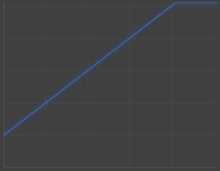
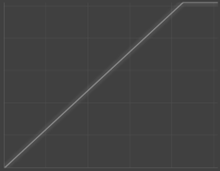
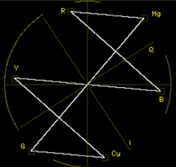
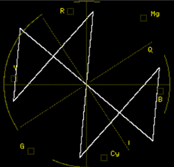
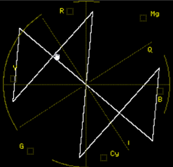
The Color Controls → Procamp sub-menu offers the user the ability to apply familiar Procamp color correction to the video essence being passed through the Color Corrector processing.
Procamp
Control
min < default > max
+/-
Description
Original
Negative adjustment
Positive adjustment
Luma Gain (dB)
-12 < 0 > +12
0.1
Increases or decreases the amount of luminance gain.
Adjusts the brighter areas, leaving the black point unchanged.
Gives a more exaggerated effect in the highlights.
Brightness (%)
-50 < 0 > +50
0.1
Increases or decreases the amount of brightness.
Adjusts the overall brightness/black level, affects both light and dark areas.
Chroma Gain (dB)
-12 < 0 > +12
0.1
Increases or decreases the amount of chroma gain.
Adjusts the high chrominance areas, leaving the dark chrominance points unchanged.
Gives a more exaggerated effect in the highly saturated areas.