NDI SDK = NDI Software Development Kit
HOME Apps has implemented the NDI V6 SDK.
The NDI SDK provides controls to the user that allow configuration. Configuration is done at the App Server level, rather than at the App level,. This means that the configuration will affect all apps running on that server.
The controls are located in the App Server's Advanced → NDI menu. Detailed information regarding the controls can be found at: App Server - Advanced -> NDI.
NDI Proxy Service
The NDI Proxy Device service is installed as part of the HOME Apps release (from v1.4). It allows third-party NDI devices to become available in HOME’s 'Stream Routing' page, so that their IP senders and receivers can be routed to other NDI-compatible streaming devices such as a HOME App.
Once installed the NDI Proxy Service monitors the NDI Discovery Service running on HOME. When an external NDI source is registered in the NDI Discovery Service, the NDI Proxy Service will automatically create a new Proxy device in HOME.
This new Proxy device is available in HOME’s 'Stream Routing' page and is available to be routed to a HOME Apps NDI receiver.
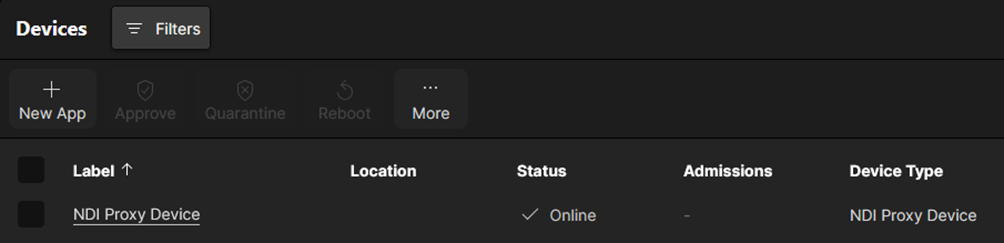
The NDI Proxy Device is seen in HOME’s Devices page:
Users can review information about a particular NDI stream by clicking through to the NDI Proxy Device, selecting the Senders tab and click on the Parameters button. From here, the flow name and the source’s IP address are available to view.
Routing External NDI Streams
Once the external NDI source has been registered by the NDI Proxy Service, the NDI Proxy Service will create a new entry for this flow in the 'Stream Routing' page (in HOME). These flow names are preceded with a ‘/’.
The NDI flows are now routable to NDI receivers in the usual manner: select an NDI Sender, select an NDI Receiver and click ‘Connect’.
More information about using the 'Stream Routing' in HOME can be found at: HOME Apps - Connecting Signals.
