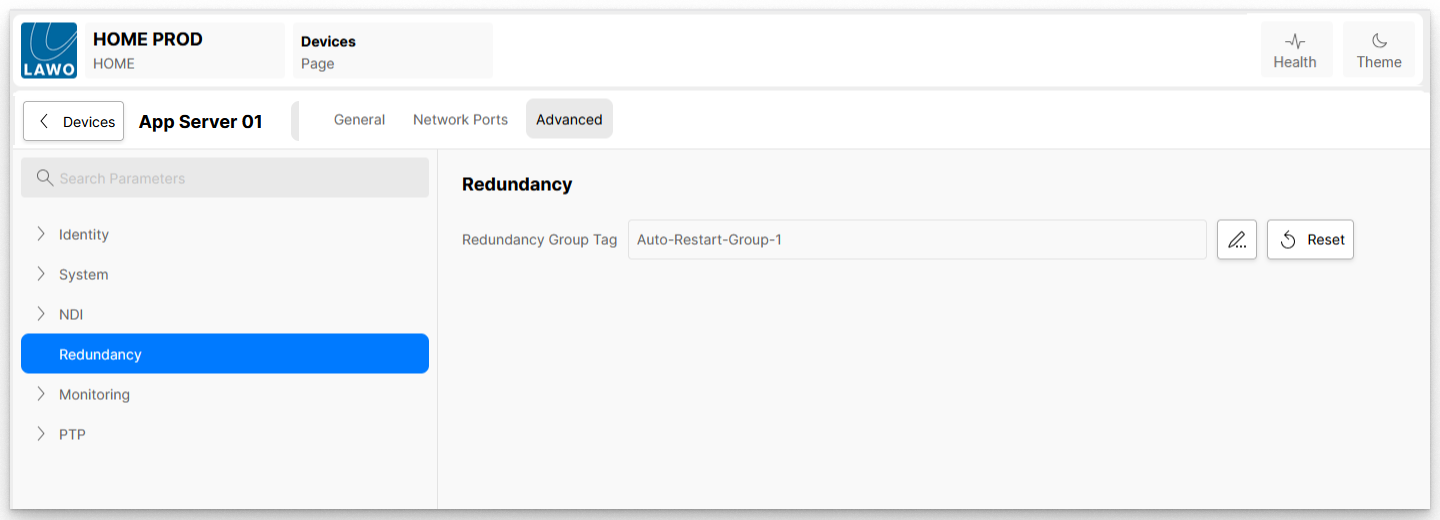
Public Knowledge Database HOME Apps - Dynamic Media Applications HOME Apps - User Manual HOME Apps - Installation and Setup App Server - Advanced parameter control Current: App Server - Advanced -> Redundancy App Server - Advanced -> Redundancy The Advanced → Redundancy menu contains a single parameter that can be used to add the app server to a Redundancy Group (for app failover). This feature is described fully in HOME Apps - Redundancy (App Failover). Here we explain the server's Redundancy Group Tag control.Redundancy Group Tag If an existing Redundancy Group Tag is entered, then the App Server is added to the redundancy group specified.If a new Redundancy Group Tag is entered, then this defines a new redundancy group. If the field is left blank, then the App Server is not part of a redundancy group. Click on the pencil icon to edit the field. The Reset button can be used to reset to the default value (no redundancy group specified). ×