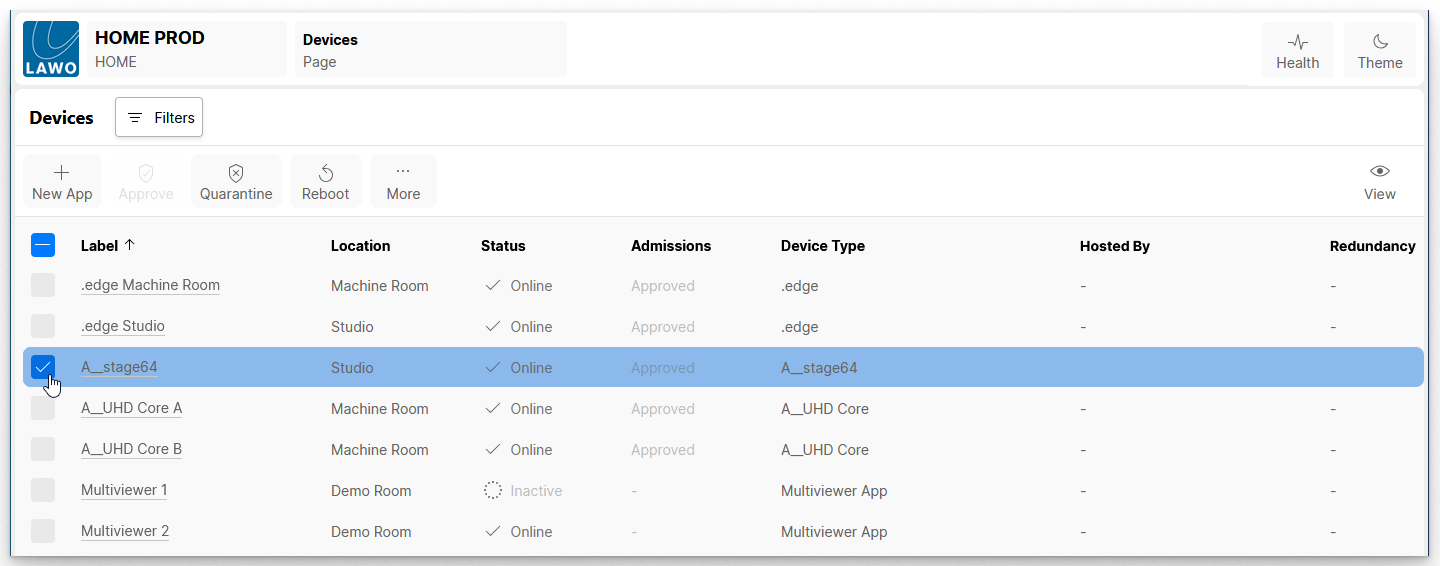
The Reboot button in HOME's 'Devices' page can be used to remotely reboot a device from the HOME UI.
Note that, not all devices support this function and so the Reboot option may be greyed out.
Important: The reboot is implemented immediately without any confirmation, and so you should make sure that a device's streams are not in use before using this function.
To proceed with the reboot:
From the main 'Devices' list, select one or more devices (using the tick boxes in the first column):
Click on Reboot. A confirmation dialog appears.
Select Reboot to confirm. While a device (or app) is rebooting, it will lose its network connection (or stop running) and show as Offline in the Status column.
Once the restart is complete, the Status should return to Online to confirm that the device's network connection is back (or that the app is running).