The Advanced → Blanking Controls allow blanking to be applied to the video passing through UDX.
This menu appears once the app if configured and running. All controls are displayed on a single page; there are no sub-pages.
Blanking Controls
Adding blanking masks parts of the video by replacing it with black. This can be useful if the video contains unwanted content around the edges
Blanking is applied from the outer edges of the frame (top, bottom, left, right) towards the centre of the image.
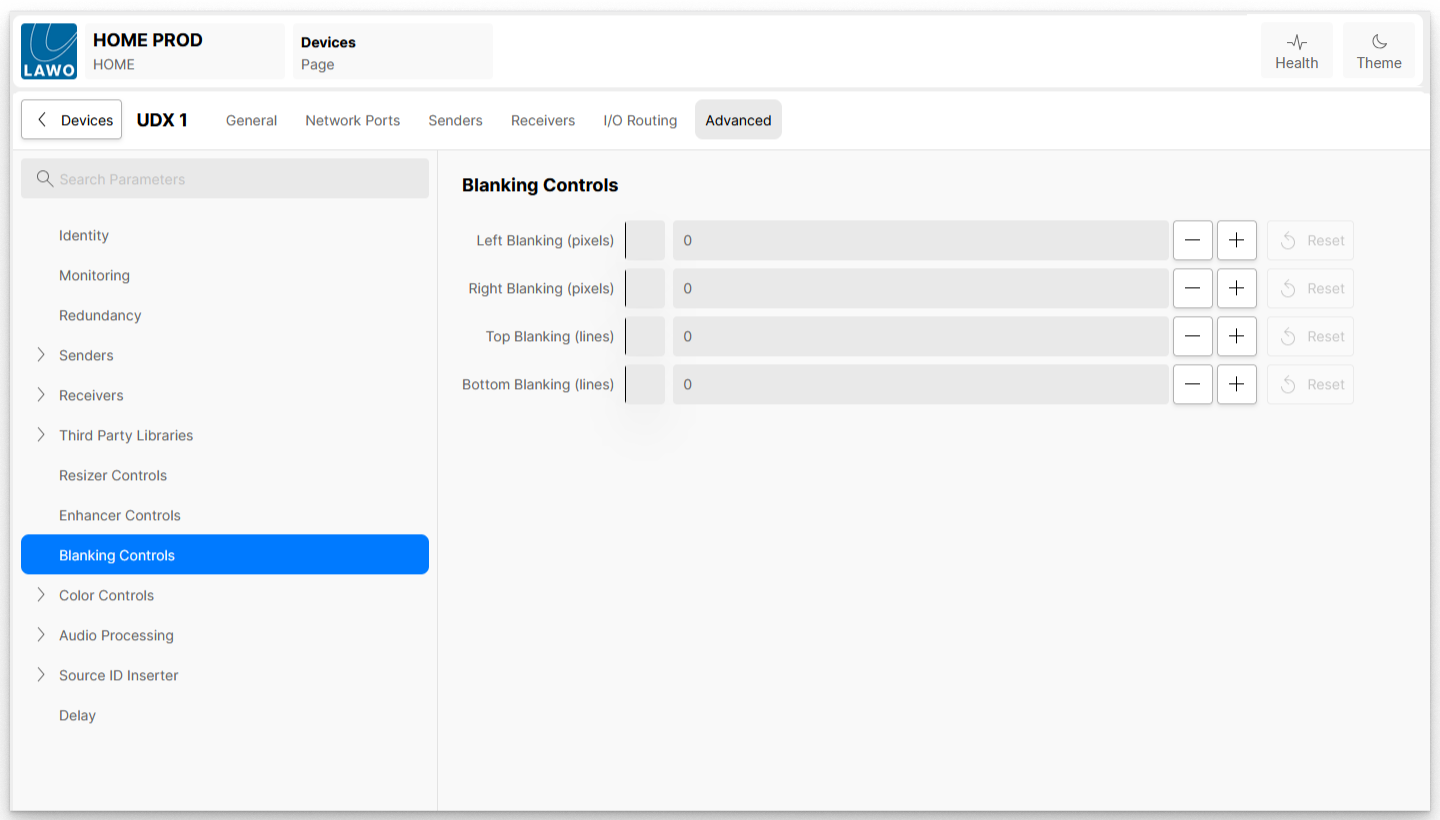
| Left Blanking (pixels) | Applies blanking from the left-hand side of the screen; the width of the blanked area is defined by the value set, in pixels. |
| Right Blanking (pixels) | Applies blanking from the right-hand side of the screen; the width of the blanked area is defined by the value set, in pixels. |
| Top Blanking (lines) | Applies blanking from the top of the screen; the width of the blanked area is defined by the value set, in pixels. |
| Bottom Blanking (lines) | Applies blanking from the bottom of the screen; the width of the blanked area is defined by the value set, in pixels. |