SRDs are small chunks of data within packets of ST2110-20 streams, which represent part of the active picture. To provide the most efficient packing of data in the stream, if there is available space in a packet at the end of a video line, HOME Apps Senders will fill that space with data from the next video line. Some packets will contain data from two video lines; this means they contain two SRDs.
Some third-party devices are unable to process the data packed in this fashion, requiring any one SRD to contain data from just one video line.
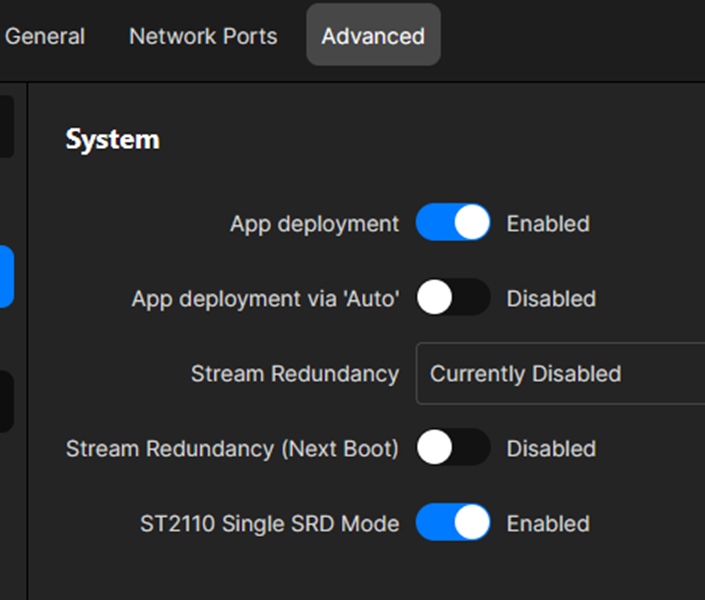
The ST2110 Single SRD Mode control, in the app server's Advanced parameters, can be used to pack the data so that no single packet contains data from more than one video line.
During the development of this feature, it was essential that all the packets were exactly the same size. So, the Single SRD mode chooses the number of pixels it puts in each packet, to ensure that all packets are the same size.
It should be noted that, when the Single SRD Mode mode is enabled, data packing is less efficient and will lead to a slight increase in network bandwidth usage. RTP packets could be smaller, but more of them.
Switching Single SRD mode on and off
The ST2110 Single SRD Mode option can be found in the Advanced → System menu of the app server.
Once this option is enabled (or disabled), the setting is applied to all IP senders of apps that are running on that particular server.