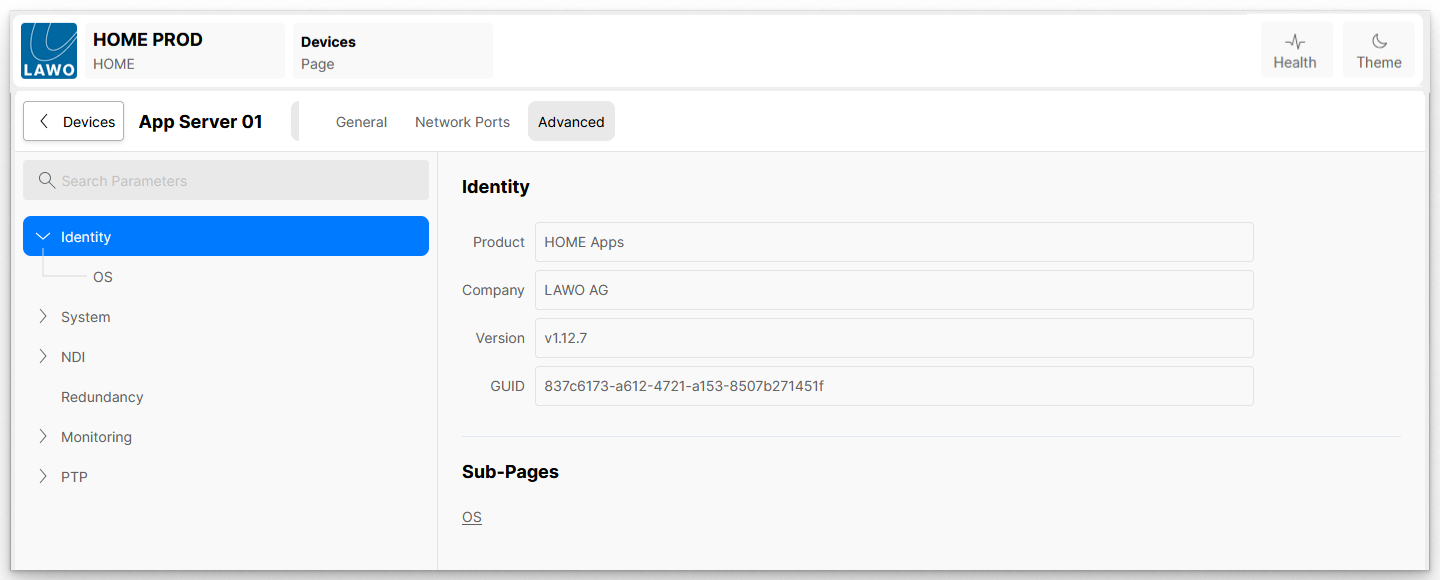
Public Knowledge Database HOME Apps - Dynamic Media Applications HOME Apps - User Manual HOME Apps - Installation and Setup App Server - Advanced parameter control Current: App Server - Advanced -> Identity App Server - Advanced -> Identity The Advanced → Identity menu provides information about the App Server.There is a main page and one sub-page: All fields in these pages are for information only. IdentityThe Identity parameters provide information about the App Server:Product - displays the Lawo product name, e.g. HOME AppsCompany - displays the product's vendor, e.g. LAWO AGVersion - displays the version number of the software installed on the App ServerGUID - displays the App Server's unique IDIdentity → OSThe OS sub-page provides information about the Operating System installed on the App Server:Name - displays the Operating System installed on the App ServerDistribution - Displays the distribution of the Operating System installed on the App Server, eg UbuntuVersion - Displays the version of the Operating System installed on the App ServerHost - Displays the configured Hostname of the App Server ×